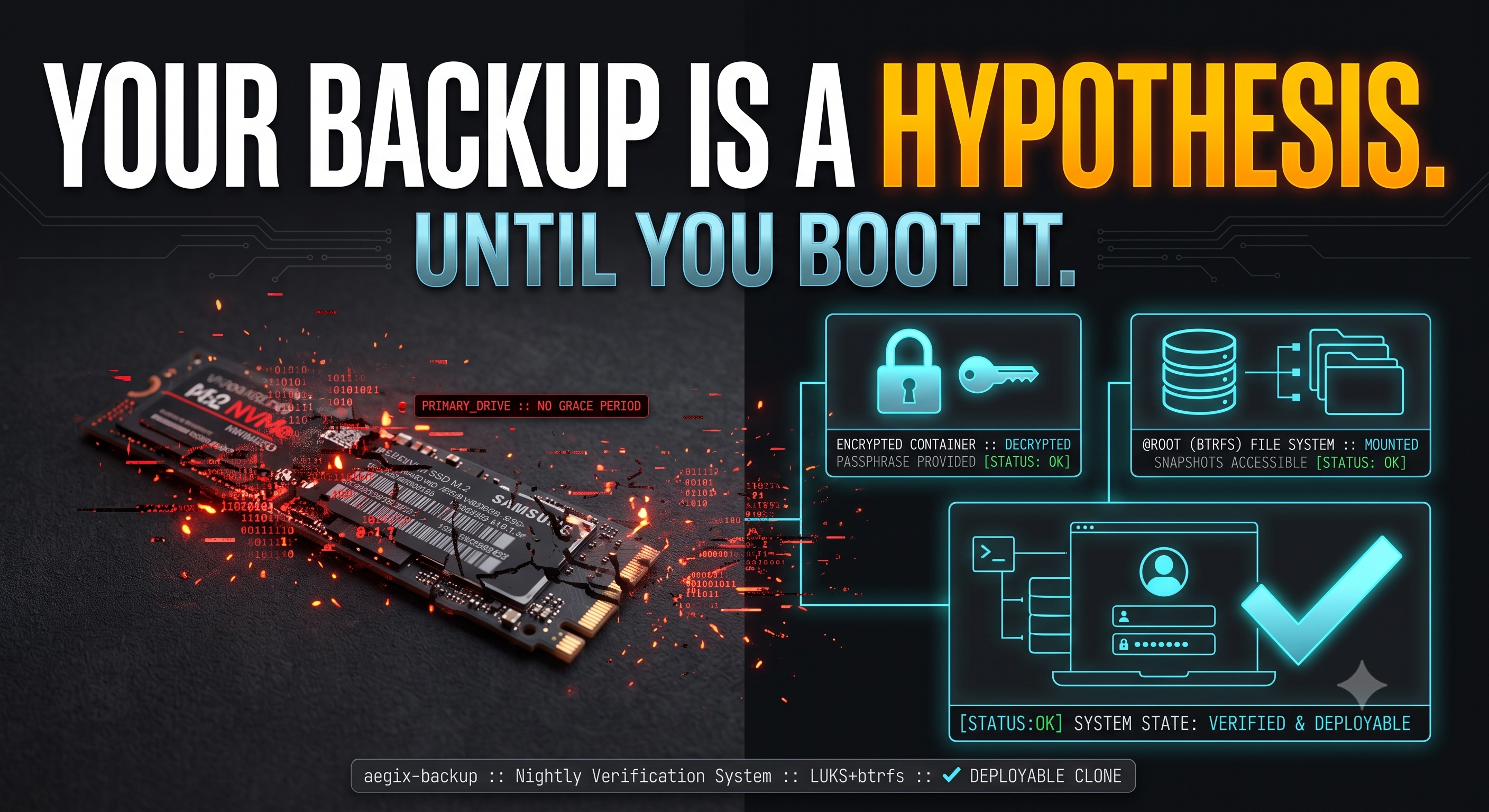
Your laptop's SSD is going to die. Not today, probably. But SSDs fail without warning — no clicking, no grinding, no grace period. One morning the machine just doesn't come back. If everything you care about lives on an encrypted laptop, the question isn't whether you have backups. It's this:
How long after a dead drive are you back to work — on your own system, with your own config, your own keys, your own muscle memory?
For most setups the honest answer is "days, if the restore even works." I built aegix-backup to make the answer "about five minutes." This is what it does, why it's built the way it is, and how to set it up on your own machine.
The principle
Most backup advice optimizes the wrong thing: how elegant the backup is. Snapshots, dedup ratios, incremental transfer efficiency. All fine — and all irrelevant on the day it matters. The only metric that counts is how boring and certain the restore is, executed at 2am, half-asleep, on the worst computing day of your month.
That leads to one rule that shapes the entire tool:
A backup you haven't booted is a hypothesis, not a backup.
I can say this with some authority, because when I finally boot-tested my own "working" clone — one that had reported success every night for a month — I found it wasn't bootable at all. Its bootloader pointed at the original drive. The test would have silently booted my internal system and told me everything was fine. Behind that one lie were five more: excludes that matched nothing, swallowed error codes, an initramfs that would kernel-panic on any other machine, a missing /tmp that broke the cloned system, a safety guard that guarded nothing. Every one of them produced a confident success message. Every one of them was found only by actually testing the restore.
So aegix-backup is designed around restores you actually test — and it re-earns bootability every single night, instead of assuming it.
What you get
Three legs, each covering a failure the others don't. All of it runs unattended from one nightly cron entry; all of it is driven by one config file.
| Leg | Lives on | Survives |
|---|---|---|
| Bootable clone, internal | a second internal drive (LUKS + btrfs) | dead primary drive — reboot, pick the other disk, keep working |
| Bootable clone, external | a drive that leaves the building | the laptop being lost, stolen, or destroyed |
| Encrypted offsite | restic repo mirrored to Hugging Face | everything local at once — only ciphertext ever leaves the machine |
The clones are not archives. They are complete, independently bootable systems. When the primary drive dies, there is no restore step: you press F12, pick the clone, type your LUKS passphrase, and you are on your machine — desktop, dotfiles, browser sessions, everything. Buy a replacement drive whenever it's convenient; the tool rebuilds onto it with one command.
What makes it different
Clones are made bootable on every run. The nightly rsync necessarily copies the source system's fstab, crypttab, and GRUB config — all pointing at the source drive. Left alone, that clone boots the wrong disk or nothing. After every sync, aegix-backup repoints the whole boot chain at the clone's own UUIDs, reinstalls GRUB for both BIOS and UEFI, and verifies the result. Bootability isn't a setup step that decays; it's re-earned nightly.
It boots on hardware you haven't bought yet. A default Arch-family initramfs is built with autodetect — it contains drivers for the machine it was built on and nothing else. Restore that clone onto a replacement laptop and it panics before it can even find the disk. Every clone gets a second, fallback initramfs carrying every storage driver, with its own boot entry. Your travel drive can rescue you onto unfamiliar hardware, which is the entire point of a travel drive.
It works during the disaster, not just before it. Booted from a clone — which is exactly where you'll be when it counts — the tool still functions: it detects what system is actually running, snapshots that, and refuses to clone a running system onto itself. Recovery mode isn't an afterthought; it's a tested code path.
Only ciphertext leaves the machine. The offsite leg is a restic repository — client-side AES-256, content-addressed, deduplicated — mirrored to a private Hugging Face dataset repo. HF never sees a plaintext byte. The mirror even regenerates DO-NOT-DELETE guard files inside the repo on every sync, so any human or AI agent managing the account's storage knows this is a backup, not clutter.
It's runit-native. No systemd units, no timers, no crypttab assumptions (Artix-family systems don't process it at boot). Auto-unlock and auto-mount are done with runit one-shots and a udev rule: plug in your external clone and it appears read-only at a mountpoint, so you can browse yesterday's system without any risk of writing to your recovery image. Internal clones stay unmounted until you ask (clone-browse internal) — a permanently mounted duplicate of your filesystem just confuses every tool that walks the disk.
It fails loudly and succeeds honestly. rsync's "some files vanished" and restic's "one file unreadable" are warnings, logged and tolerated — a nightly job that dies because one cache file disappeared mid-read is worse than useless. Everything else fails to your desktop via notify-send. Both directions matter: this tool's history includes a restic warning treated as fatal that silently skipped the offsite upload for weeks, and swallowed rsync errors that reported broken clones as clean. Those bugs are why the exit-code handling looks paranoid. It is.
Setting it up
You need: an Arch-family system with runit (Aegix, Artix), btrfs root with @ and @home subvolumes on LUKS, and at least one spare drive to become a clone target. Internal or external both work — internal is the better first target, because your firmware boots it without any USB-boot drama.
1. Install the tool.
git clone https://github.com/timbeach/aegix-backup
cd aegix-backup
sudo ./install.sh
This installs the script, a placeholder config, the nightly cron entry, and the runit/udev plumbing.
2. Provision a clone target. Mirror a known-bootable layout: MBR, a ~1 GB FAT32 boot partition with the boot flag, the rest LUKS2 holding btrfs with @ and @home subvolumes. Give the LUKS container two keyslots — a keyfile (so the nightly can unlock it unattended) and a passphrase (so you can unlock it at boot; a keyfile on the dead machine's encrypted root helps nobody). RECOVERY.md in the repo walks through this step by step.
3. Fill in the config. Everything is UUIDs in /etc/aegix-backup.conf:
CLONE_TARGETS=( internal external )
TGT_internal_LUKS_UUID=...
TGT_internal_BOOT_UUID=...
One habit the config file will nag you about: never identify drives by /dev/nvme0n1 versus /dev/nvme1n1. That numbering reshuffles between reboots — mine has swapped twice, once nearly pointing a destructive operation at the wrong disk. UUIDs, models, and serials only.
4. Dry-run, then run.
sudo aegix-backup preflight
sudo aegix-backup --dry-run daily
sudo aegix-backup clone-daily
The first clone moves your whole system, so it takes a while — an internal NVMe target runs at PCIe speed, a USB-2 enclosure very much does not. Nightly runs after that are incremental and quick. A target that isn't plugged in is skipped, not an error, so the travel drive can come and go.
5. Boot the clone. Actually boot it. While your real system is healthy, reboot, open the firmware boot menu, pick the clone, unlock it, and check where you landed:
findmnt -no SOURCE /
If that prints the clone's mapper name, congratulations — you have a backup. Until that moment you had a hypothesis. Mine failed this test the first time, in a way that every automated check had missed, and that single reboot is what turned the tool from plausible into trustworthy.
Then open the things you'd hate to lose. My test found one more bug this way: an encrypted vault whose mountpoint directory hadn't been cloned, which would have left a recovered system holding ciphertext with no place to mount it. Five minutes of clicking around the booted clone is the cheapest audit you will ever run.
The part you can't automate
Two keys exist that no backup can regenerate: your LUKS passphrase, and your restic repository password (plus the token for the offsite mirror). The restic password is the only key to your offsite data — lose it and that leg of the system is unrecoverable ciphertext, working exactly as designed. Put them somewhere that is not the laptop. The repo ships a RECOVERY.md runbook meant to be printed or copied to your phone, because a recovery procedure that only exists on the machine you just lost is not a procedure.
Get it
The tool is a single auditable shell script, MIT-licensed, config-driven, with every hard-won lesson documented in comments where it's enforced:
github.com/timbeach/aegix-backup
Clone it, point it at a spare drive, and — this part is not optional — boot the result. Somewhere between "my backups ran fine" and "I have booted my backup" is the difference between a hypothesis and a plan.