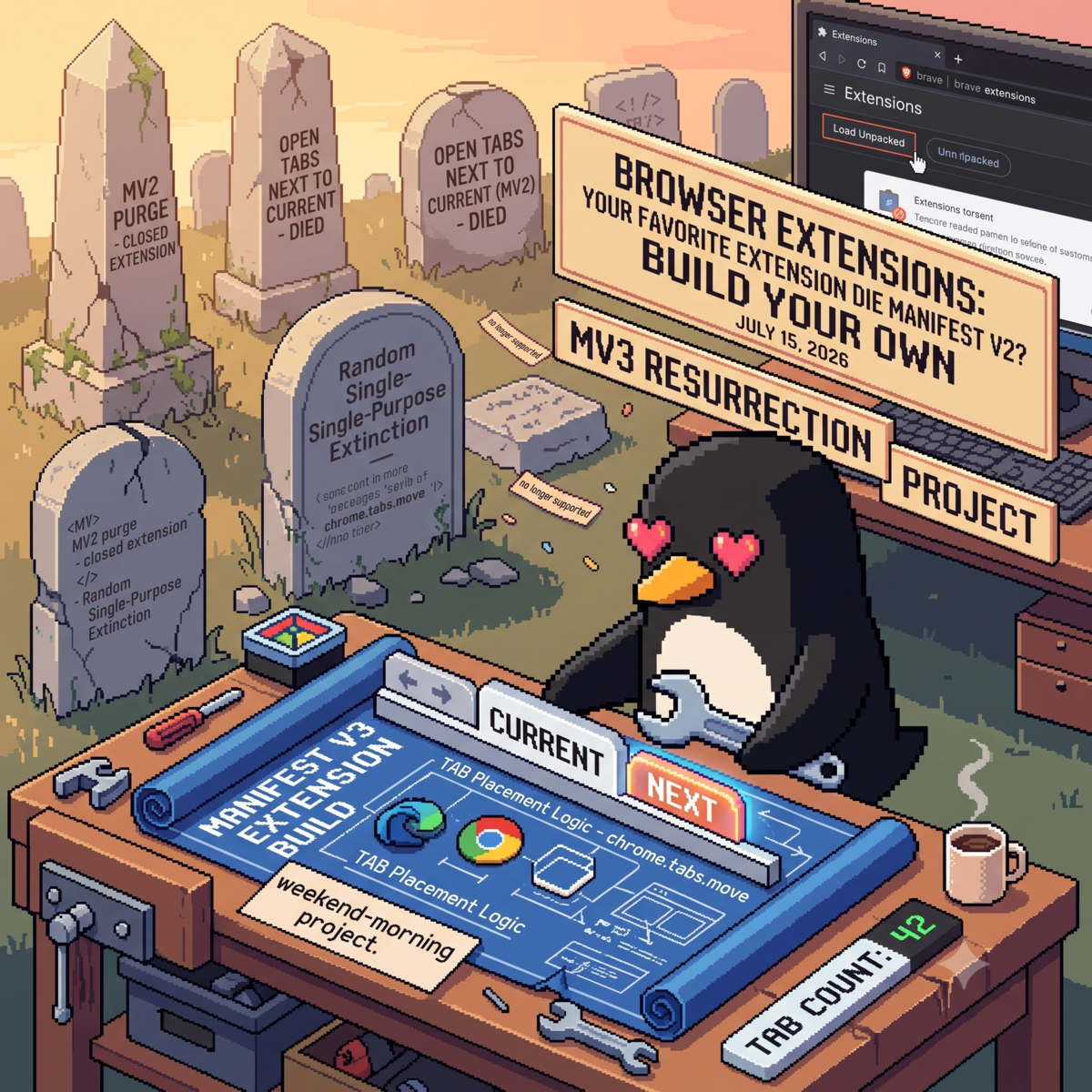
New tabs in Chromium browsers open at the far end of the tab strip — somewhere past tab forty, in the region cartographers mark "here be dragons." tabnext opens them where you actually are: immediately to the right of the tab you're on. Ctrl+T, middle-clicked links, links from other apps — everything lands next to you.
It also gives the toolbar penguin a job: a live badge with the number of tabs you have open. No judgment. Just a number. (You can pretend it's judgment.)
Get it:
- tabnext on the Chrome Web Store — works in Chrome, Brave, Edge, Vivaldi, anything Chromium
- Source on GitHub (MIT) — two files, about a hundred lines; if you'd rather not trust a store, read all of it in two minutes and Load Unpacked it yourself
A few things worth knowing before you install, all of them deliberate:
- Zero permissions. The install prompt warns you about nothing because there is nothing to warn about — tabnext never reads your URLs, titles, or history. It counts tabs and it moves tabs. That's the whole thing.
- Tab-group safe. Grouped tabs are never yanked out of their groups, and session restore keeps your order and your groups exactly as you left them. Open a tab from inside a group and it joins the group, right next to you.
- Nothing resident. One event-driven service worker that sleeps between tab events. No settings page, no popup, no onboarding tour.
Why it exists
For years I used Open Tabs Next to Current — an extension so reliable I forgot it was an extension. Then Brave greeted me with a gray banner: "This extension was turned off because it is no longer supported." It was written for Manifest V2, Chromium retired Manifest V2, and the author never ported it. That's the whole obituary — and it belongs to thousands of small, finished, single-purpose extensions that died the same way.
Here's the part that surprised me: rebuilding it took a morning. The entire concept fits in one listener —
chrome.tabs.onCreated.addListener(async (tab) => {
  const [active] = await chrome.tabs.query({
    active: true,
    windowId: tab.windowId,
  });
  chrome.tabs.move(tab.id, { index: active.index + 1 });
});
— and the rest of the hundred lines exist because that obvious version is wrong in two interesting ways.
What I learned along the way
New tabs are born active. A tab you open in the foreground — Ctrl+T, the new-tab button — is already the active tab by the time the creation event fires. So "find the active tab and move next to it" finds the newborn itself, and moving a tab next to itself is a no-op wearing a trench coat. The fix is to ask a different question when that happens: not "which tab is active?" but "which tab was I just using?" Chromium tracks a lastAccessed timestamp on every tab (also permission-free), and the previously-used tab is simply the most recent one that isn't you.
Session restore is also "opening tabs." This was the good bug. After restoring my session, tabs had escaped their tab groups and scattered across the strip. Three facts conspire: a restore fires the same creation event as a human opening tabs, dozens of times fast; a tab's group membership isn't set yet when that event fires, so restored tabs briefly look ungrouped; and moving a tab to a spot outside its group silently strips its membership. So my extension was "helpfully" repositioning every restored tab and shredding the groups as it went.
The fix that stuck: treat rapid-fire tab creation as the browser talking to itself, and stay out of the conversation. A new window gets a two-second quiet period, and any tab created during quiet — or within 300 ms of the previous one, a cadence only a browser produces — extends it. On top of that, every move waits 150 ms and re-checks the tab first; if it joined a group or got closed in the meantime, leave it alone. As a bonus, Chromium's own move semantics mean Ctrl+T from inside a tab group opens the new tab in that group — exactly what a groups person wants, zero code written for it.
Build your own
If an extension you loved died in the MV2 purge, go look at how big it actually was. The odds are good it was a hundred lines of somebody's weekend, and the platform underneath — chrome.tabs, chrome.action, a JSON manifest — is still right there, waiting for yours.