Step 1: Ask Claude.
Step 2: There is no step 2.
OK fine, here's the long version.
Obsidian, like most modern apps, keeps its settings in a pile of JSON files tucked away inside your vault (.obsidian/). You could go clicking through Settings panels, memorizing the difference between "Editor → Display" and "Editor → Behavior," hunting for the one toggle that turns off that specific thing you hate. Or you could just say what you want out loud.
The other day I got tired of the squiggly red underlines treating every third word as a typo. So I asked:
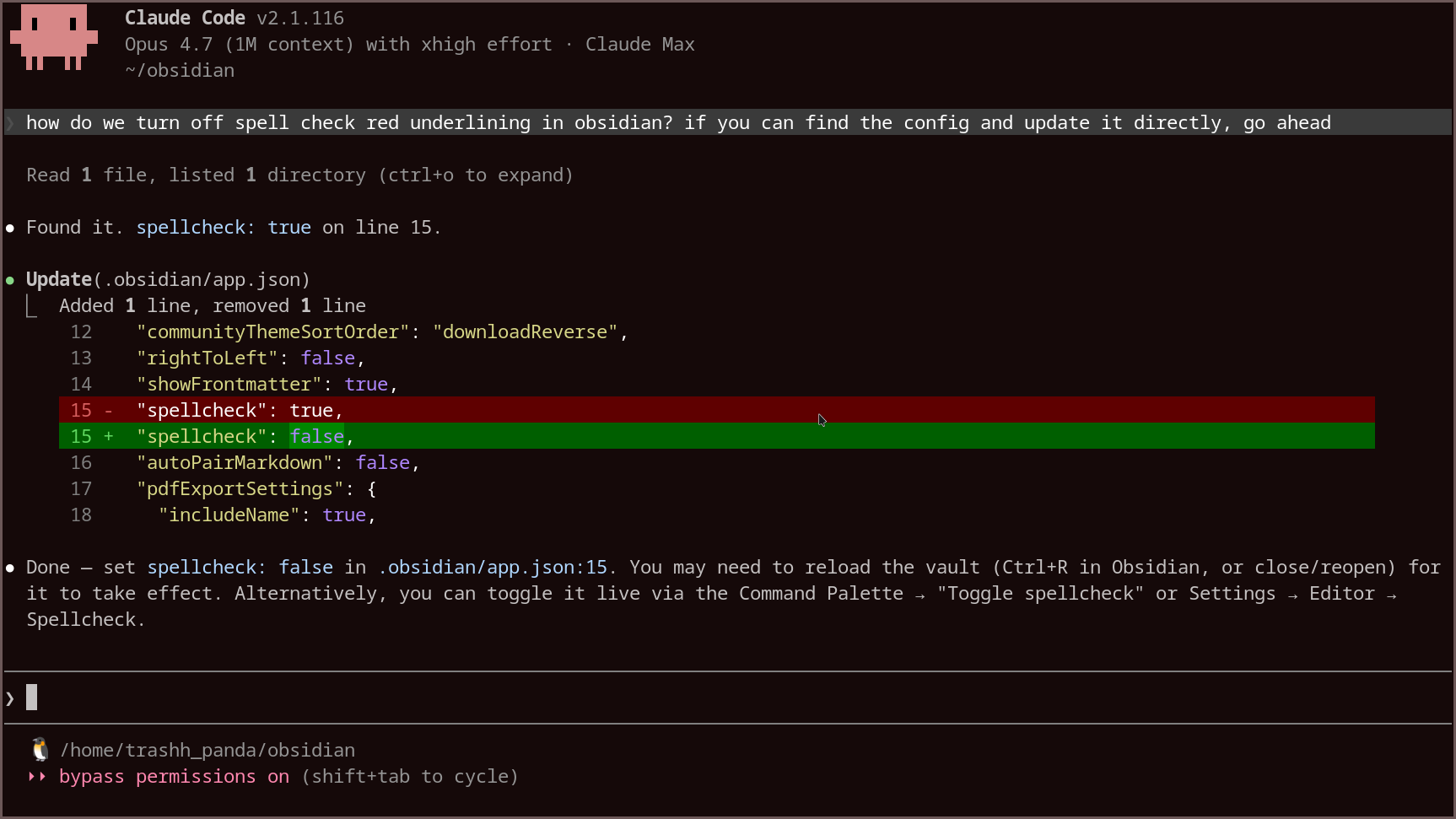
how do we turn off spell check red underlining in obsidian? if you can find the config and update it directly, go ahead
Claude found .obsidian/app.json, flipped "spellcheck": true to "spellcheck": false, and told me to reload the vault. Total time: maybe six seconds, most of which was me typing the question.
No scavenger hunts through preference panels. No StackExchange threads from 2019 describing menus that no longer exist. No sed incantations with escaped quotes.
You just describe the vibe you want, and a piece of software rearranges the other piece of software to match. The future is weird.
Then teach it to do this forever
One-off wins are nice. But if you're going to do this kind of thing a lot, the next move is to codify the trick into a skill. So I followed up with:
thank you.. that was brilliant.. now let's take this one step further.. spin up subagents to look through .obsidian and one to go online and look at obsidian documentation.. then write a guide for future agents to understand how to interact with obsidian programmatically to change settings via claude code in natural language rather than clicking around in the interface.. if this goes well, also create a skill for this.. go into planning mode first if you need to
Two parallel subagents went digging: one cataloged .obsidian/ file by file, the other scraped help.obsidian.md, the forum, and vetted GitHub examples. They reported back, and Claude shipped ~/.claude/skills/configuring-obsidian/SKILL.md.
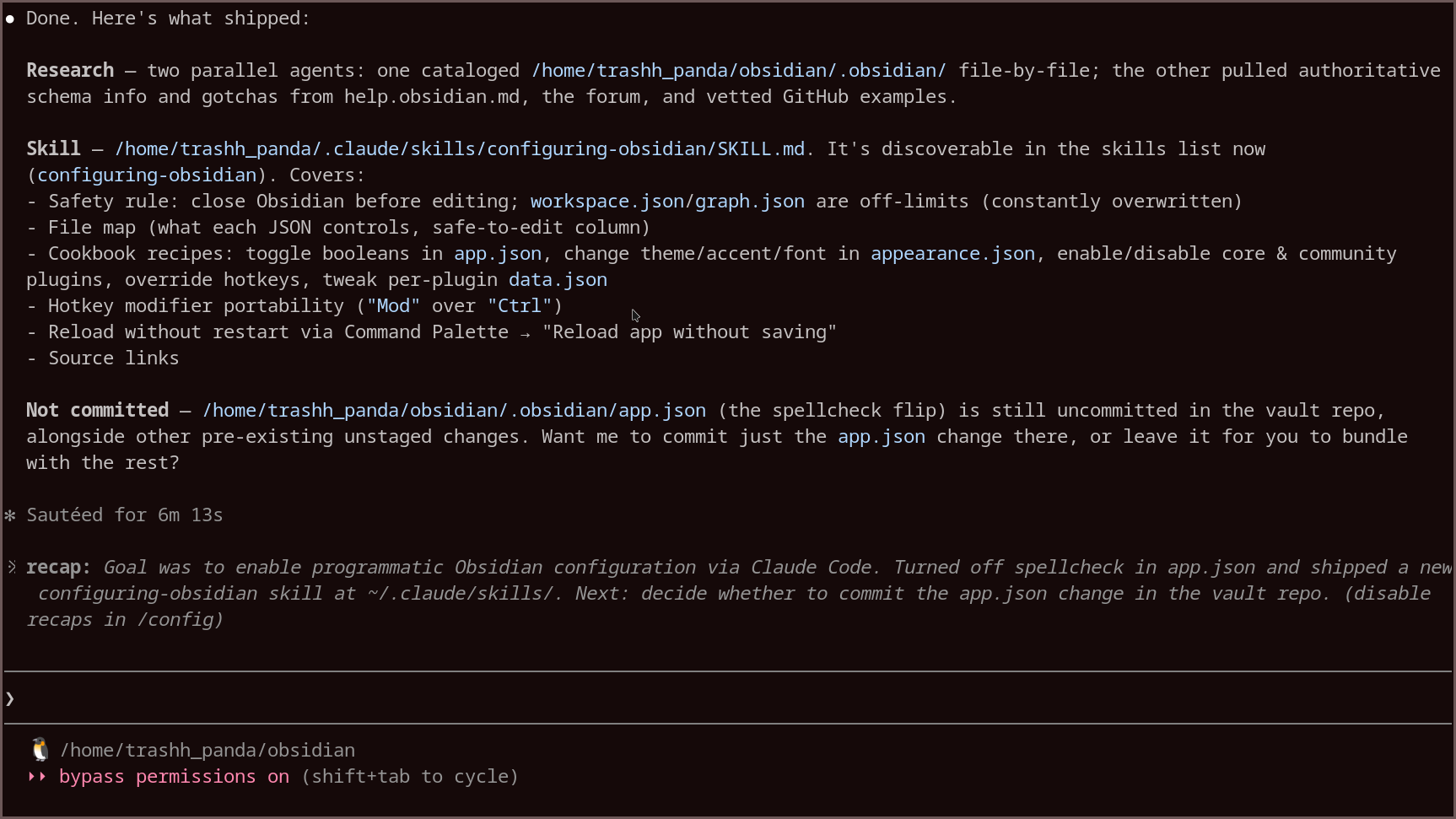
The skill now knows the safety rules (close Obsidian first; workspace.json and graph.json are off-limits — Obsidian rewrites them constantly), the file map of which JSON controls what, and the cookbook recipes: toggling booleans in app.json, changing theme and font in appearance.json, enabling or disabling plugins, overriding hotkeys with "Mod" instead of "Ctrl" for portability, and reloading without a restart via the Command Palette.
Next time I — or any future session — asks anything about Obsidian settings, the skill loads automatically and Claude already knows where to look.
So the real loop is:
- Ask Claude to do the thing.
- Ask Claude to write down how it did the thing.
- Never think about the thing again.